
PLATFORMS
Apple Home installation Melbourne
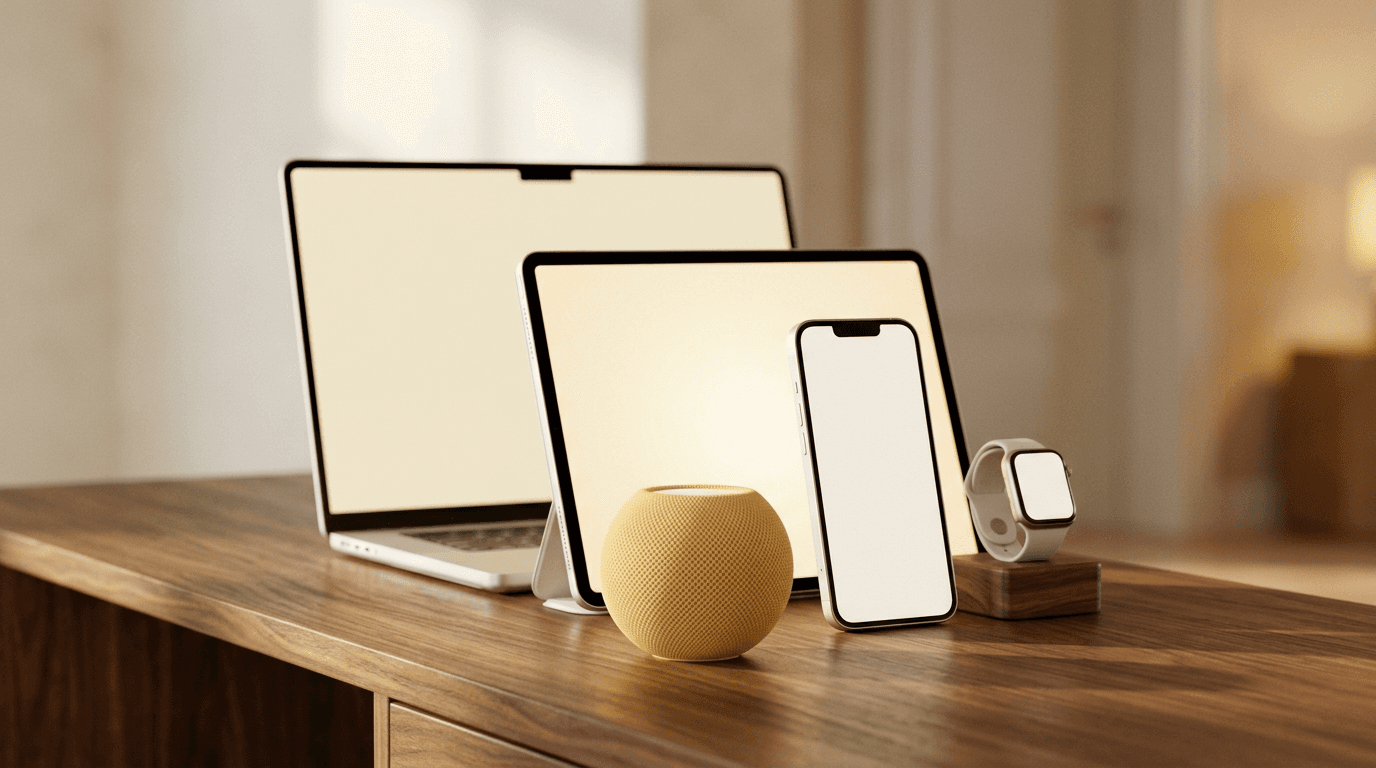
CleverMate designs, installs and integrates Apple Home for Melbourne homes, so your lights, locks, climate, blinds and scenes work together from the Home app. You get a clean setup, reliable automations and local support from a team that understands both the tech and the wiring.


4.8
from 100+ reviews
Licensed electrical work · Brunswick showroom · Melbourne based team
PLATFORMS
Apple Home installation Melbourne
CleverMate designs, installs and integrates Apple Home for Melbourne homes, so your lights, locks, climate, blinds and scenes work together from the Home app. You get a clean setup, reliable automations and local support from a team that understands both the tech and the wiring.
4.8
from 100+ reviews
Licensed electrical work · Brunswick showroom · Melbourne based team
PLATFORMS
Apple Home installation Melbourne
CleverMate designs, installs and integrates Apple Home for Melbourne homes, so your lights, locks, climate, blinds and scenes work together from the Home app. You get a clean setup, reliable automations and local support from a team that understands both the tech and the wiring.
4.8
from 100+ reviews
Licensed electrical work · Brunswick showroom · Melbourne based team
PLATFORMS
Apple Home installation Melbourne
CleverMate designs, installs and integrates Apple Home for Melbourne homes, so your lights, locks, climate, blinds and scenes work together from the Home app. You get a clean setup, reliable automations and local support from a team that understands both the tech and the wiring.
4.8
Licensed electrical work · Brunswick showroom · Melbourne based team
WHAT WE ADD
WHAT WE ADD
The part Apple leaves to you.
The part Apple leaves to you.
Beyond Apple's list
Apple Home has a list of works-with gear. We bridge in what isn't on it, heating, gates, pool, alarm, so the Home app and Siri run the whole house, not just the easy bits.
Not just iPhones
All it can do
No dead ends
Beyond Apple's list
Eyes on your place wherever you are. Smart cameras and alerts let you check in, get notified and feel settled- whether you’re home or away.
Not just iPhones
All it can do
No dead ends
HOW THE CLEVERMATE HUB WORKS
Every device, one hub, all in Apple Home
More devices, all working on the platform you already use.
A DAY IN THE HOUSE
What it actually feels like
6:30 AM
Wake gently
Blinds lift slowly while the hallway warms before breakfast.
7:15 AM
Kitchen ready
Lights settle bright enough for lunches, coffee and bags.
8:40 AM
Leave secure
Doors lock, unused rooms switch off, cameras stay watchful.
2:30 PM
Climate holds
Rooms stay comfortable without heating the whole home.
5:45 PM
Arrive home
Entry lights guide you in before your hands are free.
7:20 PM
Dinner mood
Dining, kitchen and music shift together with one tap.
10:10 PM
Goodnight
The house locks, dims and quietens before you sleep.
A DAY IN THE HOUSE
What it actually feels like
6:30 AM
Wake gently
Blinds lift slowly while the hallway warms before breakfast.
7:15 AM
Kitchen ready
Lights settle bright enough for lunches, coffee and bags.
8:40 AM
Leave secure
Doors lock, unused rooms switch off, cameras stay watchful.
2:30 PM
Climate holds
Rooms stay comfortable without heating the whole home.
5:45 PM
Arrive home
Entry lights guide you in before your hands are free.
7:20 PM
Dinner mood
Dining, kitchen and music shift together with one tap.
10:10 PM
Goodnight
The house locks, dims and quietens before you sleep.
A DAY IN THE HOUSE
What it actually feels like
6:30 AM
Wake gently
Blinds lift slowly while the hallway warms before breakfast.
7:15 AM
Kitchen ready
Lights settle bright enough for lunches, coffee and bags.
8:40 AM
Leave secure
Doors lock, unused rooms switch off, cameras stay watchful.
2:30 PM
Climate holds
Rooms stay comfortable without heating the whole home.
5:45 PM
Arrive home
Entry lights guide you in before your hands are free.
7:20 PM
Dinner mood
Dining, kitchen and music shift together with one tap.
10:10 PM
Goodnight
The house locks, dims and quietens before you sleep.
A DAY IN THE HOUSE
What it actually feels like
6:30 AM
Wake gently
Blinds lift slowly while the hallway warms before breakfast.
7:15 AM
Kitchen ready
Lights settle bright enough for lunches, coffee and bags.
8:40 AM
Leave secure
Doors lock, unused rooms switch off, cameras stay watchful.
2:30 PM
Climate holds
Rooms stay comfortable without heating the whole home.
5:45 PM
Arrive home
Entry lights guide you in before your hands are free.
7:20 PM
Dinner mood
Dining, kitchen and music shift together with one tap.
10:10 PM
Goodnight
The house locks, dims and quietens before you sleep.
THE PROCESS
THE PROCESS
How it works
How it works
Five steps, one local team, and a fixed quote before any work starts. The whole journey from first chat to a house that answers to the Home app.
Five steps, one local team, and a fixed quote before any work starts. The whole journey from first chat to a house that answers to the Home app.
01
Consult
We look at the Apple gear already in the house, who lives there, and what everyone actually carries.
01
Consult
We look at the Apple gear already in the house, who lives there, and what everyone actually carries.
02
Design
We map what Apple Home handles on its own, what needs bridging, and the network underneath it all.
02
Design
We map what Apple Home handles on its own, what needs bridging, and the network underneath it all.
03
Install
Our team builds the network first, then fits the hardware, with neat work and a tidy handover.
03
Install
Our team builds the network first, then fits the hardware, with neat work and a tidy handover.
04
Configure
We set up rooms, scenes and automations in the Home app, then walk the household through it.
04
Configure
We set up rooms, scenes and automations in the Home app, then walk the household through it.
05
Support
We stay close as you add devices, swap phones, or decide something should work a different way.
05
Support
We stay close as you add devices, swap phones, or decide something should work a different way.
Apple Home on its own, versus Apple Home set up properly
Apple Home on its own, versus Apple Home set up properly
Apple Home is genuinely easy to start with. The difference shows up once there are thirty devices, three people and a house that has to work every day.
Apple Home is genuinely easy to start with. The difference shows up once there are thirty devices, three people and a house that has to work every day.
On your own
On your own
With CleverMate
With CleverMate
Getting started
Pair a few devices in an afternoon, one at a time.
Everything planned as one system before anything is bought.
The network
Devices join the home wifi and compete for it.
A network built for the house first, so nothing drops out.
What’s included
Whatever Apple Home supports out of the box.
Heating, gates, pool, alarms, all bridged in.
Other platforms
Apple Home only, so Android users miss out.
Apple, Google and Alexa running side by side.
Automations
Timers and simple triggers in the Home app.
Presence, light levels and logic Apple can’t reach alone.
When it breaks
Forums, and working out which device is at fault.
Local support from design through install, tuning and future changes.
Three years on
Add a device and hope it fits.
Built on open standards, so it keeps taking new gear.
On your own
Pair a few devices one at a time, then troubleshoot wifi, limits and broken automations yourself.
Best for simple Apple Home setups where only a few devices need to work.
Standalone alarm company
Best when you want a familiar alarm setup focused on entry points, alarm zones and monitoring options. It can be useful, but usually sits separately from lighting and blind routines.
Covers: alarm zones · Installed by: provider or installer · Support: often monitoring and service calls · Resale: known alarm setup may help
With CleverMate
Everything is planned as one home system before anything is bought, from network to automations and future gear.
Built for Apple, Google and Alexa side by side, with local support when things change.
GOOD TO KNOW
GOOD TO KNOW
